FAQ
Your questions, answered.
Everything you need to know before your first scan.
The app
What is On Mange Quoi?
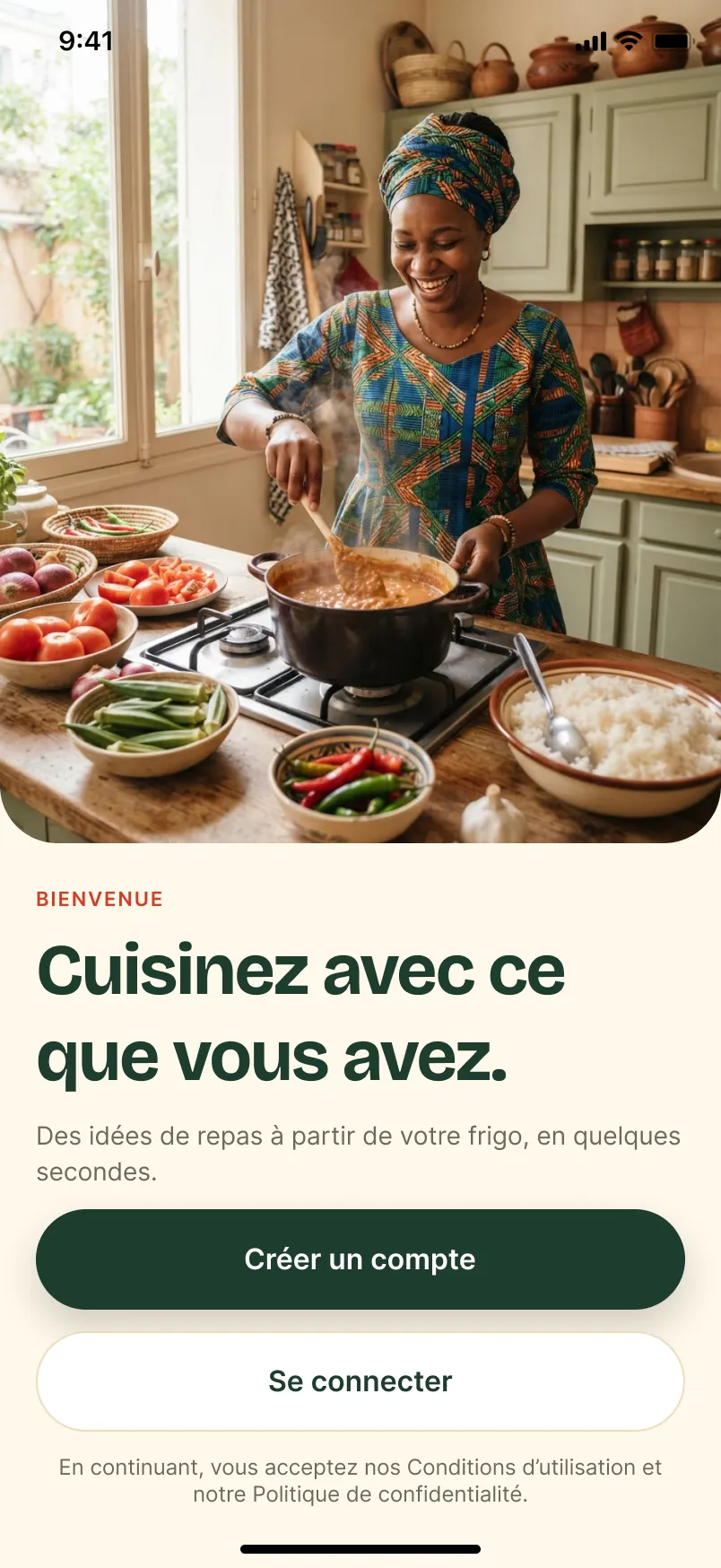
A mobile app that suggests meal ideas from the food you already have. Tell it what’s in your fridge, what you feel like and how much time you have: it shows the recipes you can cook right away, and the ones that are almost there.
Is the app free?
Yes. The fridge, meal ideas, recipes, shopping list and favorites are all part of the free plan. Pro adds extras for people who cook often, and you can try it before deciding.
Which phones does it work on?
On iPhone and Android phones, and on tablets too. It comes in light and dark mode.
Which languages is it available in?
French and English: the interface, the recipes and the ingredients. Switch language at any time in the settings.
Fridge and scan
How does the fridge scan work?
Tap “Scan”, aim at the inside of the fridge and hold still for two seconds. The app spots the food and shows you the list: remove a mistake, fix a quantity or add something it missed before confirming.
What if I don’t want to take a photo?
Everything can be added by hand: search for an item, tap it, done. Quantity, unit, date and storage (fridge, freezer or cupboard) are one tap away.
What are “pantry staples”?
The basics you always have at home: salt, oil, sugar… They count as available, so you don’t have to add them every time.
Recipes and suggestions
How does the app pick recipes?
It compares each recipe with what you have, your exclusions and your choices of the moment: meal, time, mood and number of people. It shows what you can cook now first, then “almost ready” recipes missing one or two ingredients.
Are my allergies taken into account?
Yes. Recipes containing one of your allergens, an item you excluded or food your diet forbids are never suggested. On Mange Quoi is a recipe suggestion tool, not medical advice: always check product labels.
Why doesn’t a recipe show up?
It probably contains one of your allergens, one of your exclusions or food your diet forbids. It may also take longer than the time you picked: widen the filters to find it.
Can I cook for more people?
Yes: change the number of servings, quantities are recalculated and the app tells you what’s missing to make more.
Shopping
How does the shopping list work?
From a recipe, add the missing ingredients in one tap. Quantities add up with what’s already on the list. Once you’re back from the shops, “Put in the fridge” adds them to your fridge.
Account and data
What data is collected?
Only what’s needed to suggest suitable recipes: your account (name, e-mail), food preferences, fridge content, history and scan photos. It’s all detailed in the privacy policy.
How do I delete my account?
From Profile, then Settings: ask for your account to be deleted. Your personal data is then erased.
Connection
Does the app work on a slow connection?
Yes, it’s designed for it. Your fridge, favorites and list stay on your phone; the app syncs when the network is back and only reloads what changed. Images are lightweight to save your data.
Pro plan
How does the Pro trial work?
Start the trial from the app, on the Pro screen. During the trial you get every Pro benefit; at the end, you decide whether to continue.
Can I stop Pro?
Yes, Pro has no commitment: cancel at any time from the app. You then keep the free plan.
No question matches. Try another word.
The answer is already in your fridge.
Download On Mange Quoi, scan your fridge and decide tonight what you’re cooking.
The app is coming soon to the App Store and Google Play.